Use case
Certificates for webinars and events
Attendance certificates for webinars, workshops, and conferences — the thing attendees ask for afterwards and nobody planned for.
The problem
The request always arrives after the event
Attendees need a certificate for CPD, expenses, or their manager, and they ask for it in the follow-up email — when the event team has already moved on.
-
One-off requests trickle in for weeks
It's never all 200 at once. It's four this week and six next, each needing the same certificate with a different name.
-
CPD attendees need specifics
Hours, date, and the exact session title all have to be on it, or it won't count for the record they're keeping.
-
The event brand is already set
The certificate has to look like it belongs to the event, not like a generic template someone found.
Make one now
The generator is right here. Pick a design, fill in the details, download the file.
Best on a screen at least 900px wide. Certificates render at print resolution and are yours to use commercially. Fair-use limit: 10 downloads an hour, 40 a day.
Powered by CertSeal.com
Need certificates your recipients can verify? CertSeal issues them in bulk from a spreadsheet, puts a unique verification link and QR code on every one, and emails them out for you.
What you get
What this handles
-
Participation and attendance wording
Designs and phrasing built for 'attended' rather than 'completed', which is the honest framing for most events.
-
Fast for one-off requests
About two minutes from opening the page to a downloaded PDF, which is faster than finding last year's file.
-
PNG for email follow-ups
Attach the PNG to the reply, or the PDF if they need to print it for a CPD folder.
-
Room for session detail
The body text field takes the session title, date, and hours without the layout falling apart.
-
Landscape or portrait
Most designs come in both, so the certificate matches whatever the rest of the event pack uses.
-
No cost per certificate
Useful when the event has finished and the budget with it.
Templates
Designs that fit
A starting point. Every design in the library is available in the generator.
-
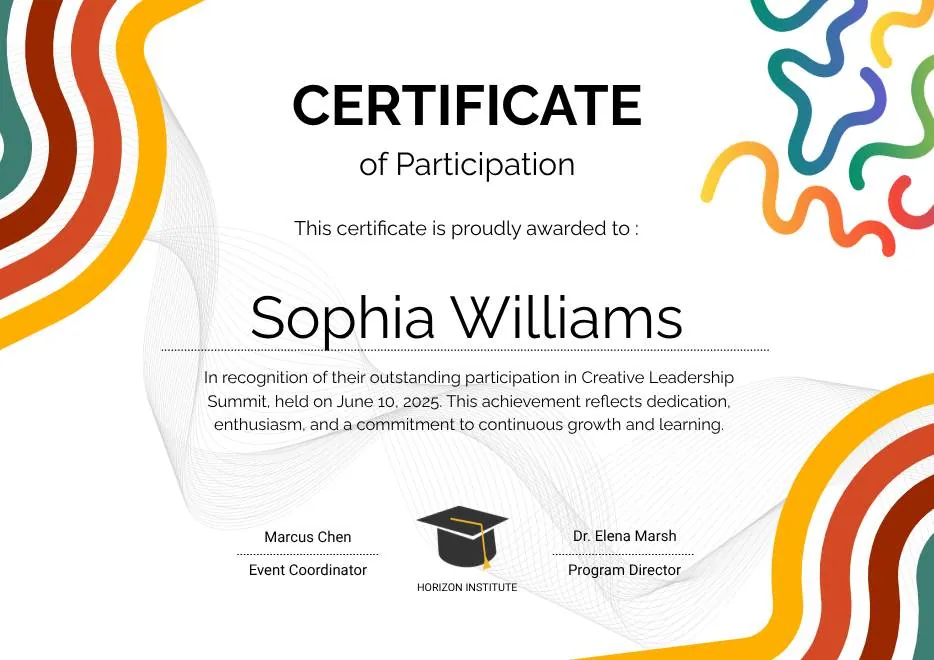
Colorful Abstract Waves Modern Participation Certificate
A certificate of participation in orange and red.
Landscape · Portrait View templateParticipation Recognition -
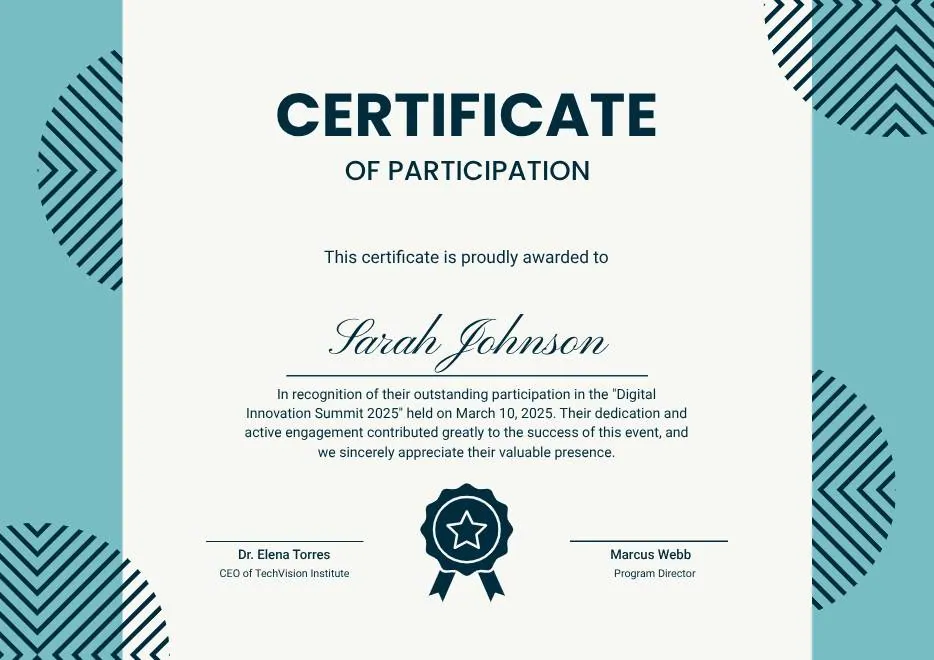
Teal Geometric Participation Certificate
A certificate of participation in teal.
Landscape · Portrait View templateParticipation Recognition -
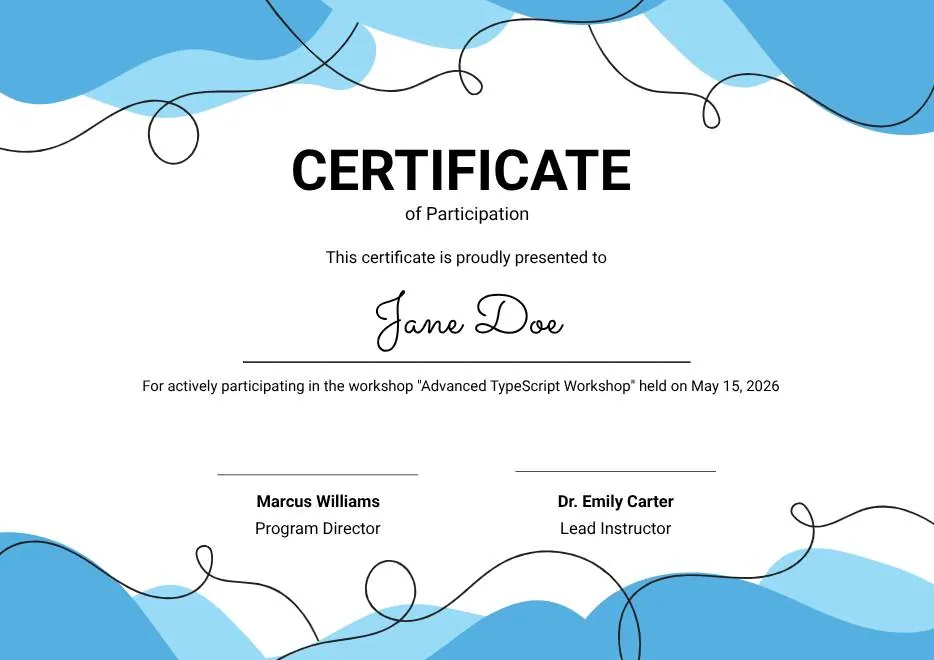
Blue Abstract Waves Participation Certificate
A certificate of participation in blue and pale blue.
Landscape · Portrait View templateCourse Participation Training
Frequently asked questions
Questions
Can I generate certificates for every webinar attendee?
Should it say 'attended' or 'completed'?
Can I include CPD hours?
Is there a watermark?
How many can I download in a day?
Other use cases
Somebody else's problem
-
Certificates for teachers
End-of-term awards, reading challenges, sports day, the child who finally cracked long division. Made in a browser, printed on the staff room printer.
-
Certificates for HR and people teams
Service milestones, monthly recognition, training completion, the leaving do. The certificates a people team needs occasionally and urgently.
-
Certificates for nonprofits and volunteers
Volunteer hours, service milestones, and thank-yous for people who gave their time. Free, because the budget is going somewhere more useful.
-
Certificates for sports clubs and teams
Player of the season, tournament entrants, the swimmer who finally made 400m. Made between the match and the presentation night.
-
Certificates for kids' clubs and camps
Dance recitals, grading days, holiday club graduations, the child who turned up every week all summer. Made the night before, on a home printer.
Need more than one at a time?
For a 200-person webinar, issuing from the attendee list automatically when the session ends is the difference between an afternoon's work and none.