Free tool
Free certificate maker
Pick a design, type the details, download the file. It runs in your browser, it costs nothing, and nothing you make carries a watermark.
- No signup
- No watermark
- PDF & PNG
- Free for commercial use
Free certificate maker
Best on a screen at least 900px wide. Certificates render at print resolution and are yours to use commercially. Fair-use limit: 10 downloads an hour, 40 a day.
Powered by CertSeal.com
Need certificates your recipients can verify? CertSeal issues them in bulk from a spreadsheet, puts a unique verification link and QR code on every one, and emails them out for you.
How it works
Make a certificate in three steps
- 01
Pick a design
The generator below opens on one that suits certificates. Swap it for any other in the library if you'd rather.
- 02
Write the details
Recipient name, the citation, the date, and who is issuing it. The preview updates as you type, so you see how a long name will sit before you commit.
- 03
Download and print
A print-ready PDF for printing and filing, or a PNG for email and chat. No account and no watermark.
What to write on a certificate
The wording carries more weight than the border. These are patterns that read well out loud at a ceremony and still make sense pinned to a wall five years later.
-
Neutral and formal
This is to certify that Jordan Ellis has successfully completed Advanced Project Management on 14 March 2026.
-
Warm and personal
Presented to Jordan Ellis in recognition of the care, persistence, and good humour brought to Advanced Project Management.
-
Hours-based training
Jordan Ellis has completed 16 hours of instruction in Workplace First Aid, meeting all assessment requirements on 14 March 2026.
-
Course with a grade
Awarded to Jordan Ellis for completing Data Analysis Foundations with a final result of Distinction.
-
Attendance only
This certifies that Jordan Ellis attended The Future of Remote Work, a one-day conference held on 14 March 2026.
-
Team or group award
Presented to the Atlas Launch Team for delivering a complete platform migration three weeks ahead of schedule.
-
Volunteer service
In grateful recognition of Jordan Ellis, who gave 120 hours of volunteer service to Riverside Community Kitchen during 2026.
-
Children and school
Jordan is awarded this certificate for Most Improved Reader, Term 2 — for reading every single night, even the hard books.
-
Internal recognition
Presented to Jordan Ellis for outstanding contribution to Customer Support, Q1 2026.
-
Milestone or anniversary
With appreciation for ten years of service to Northgate Health, from all of us — Jordan Ellis, 2016–2026.
Worth knowing
Why not just use Word?
-
Text boxes drift the moment you change a name from 'Amy Lu' to 'Konstantinos Papadopoulos', and you find out after printing.
-
Fonts you have installed are not fonts the print shop has, so the file that looked right on your laptop comes back wrong.
-
Word and Docs export at screen resolution by default. Blown up to A4, the border goes soft and the seal turns to mush.
Templates
Designs that suit certificates
Open any of these to edit it on its own page, or switch to it inside the generator above.
-
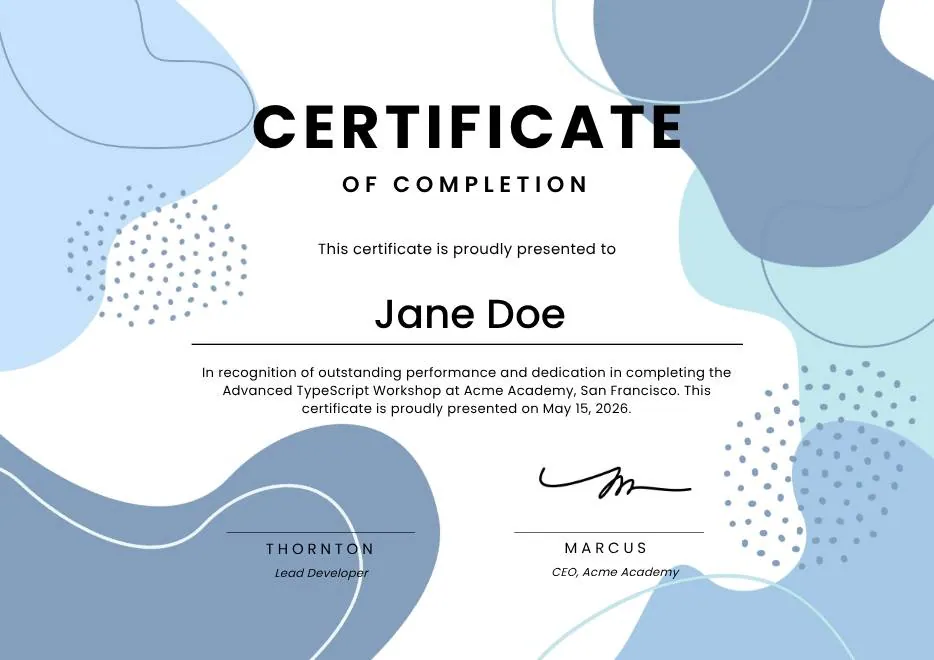
Blue Modern Certificate of Completion
A certificate of completion in pale blue, blue, and charcoal.
Landscape · Portrait View templateCourse Completion Achievement -
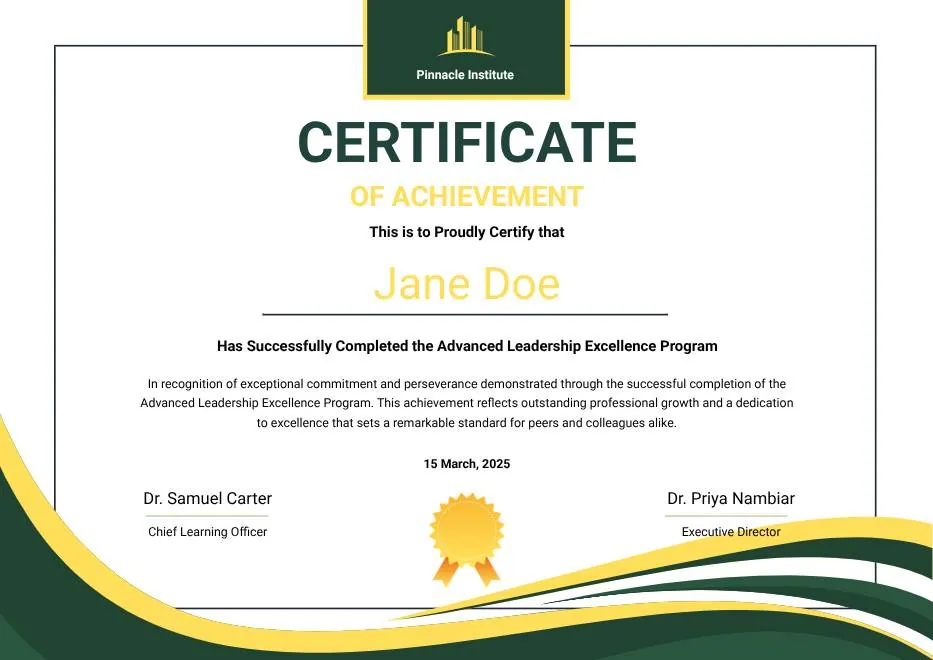
Green and Gold Modern Leadership Achievement Certificate
A certificate of achievement in deep green and gold.
Landscape · Portrait View templateCompletion Training Achievement -
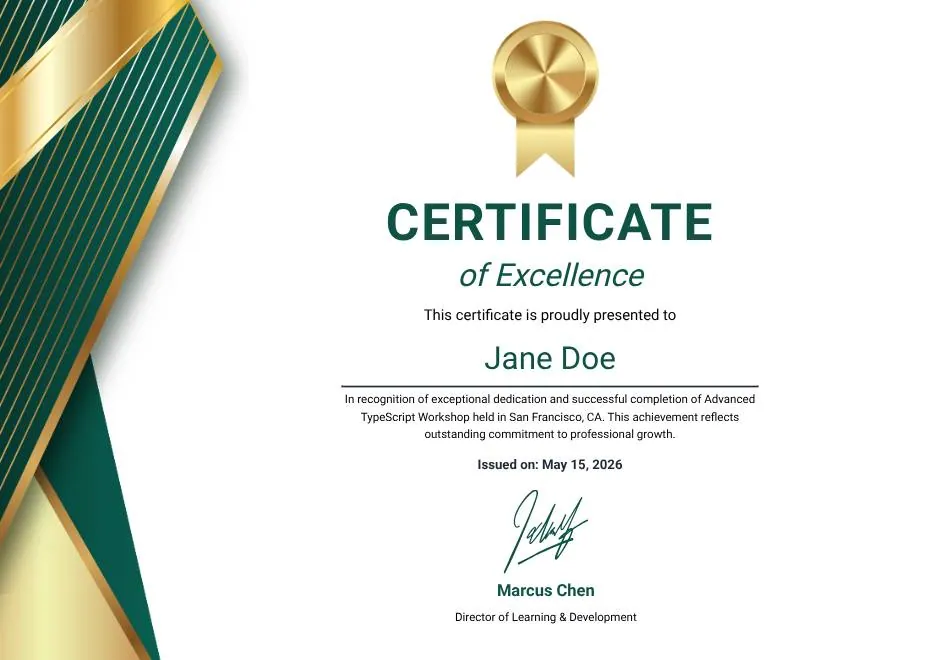
Green Gold and White Modern Excellence Certificate
A certificate of achievement in deep teal and gold.
Landscape · Portrait View templateCompletion Recognition Achievement -
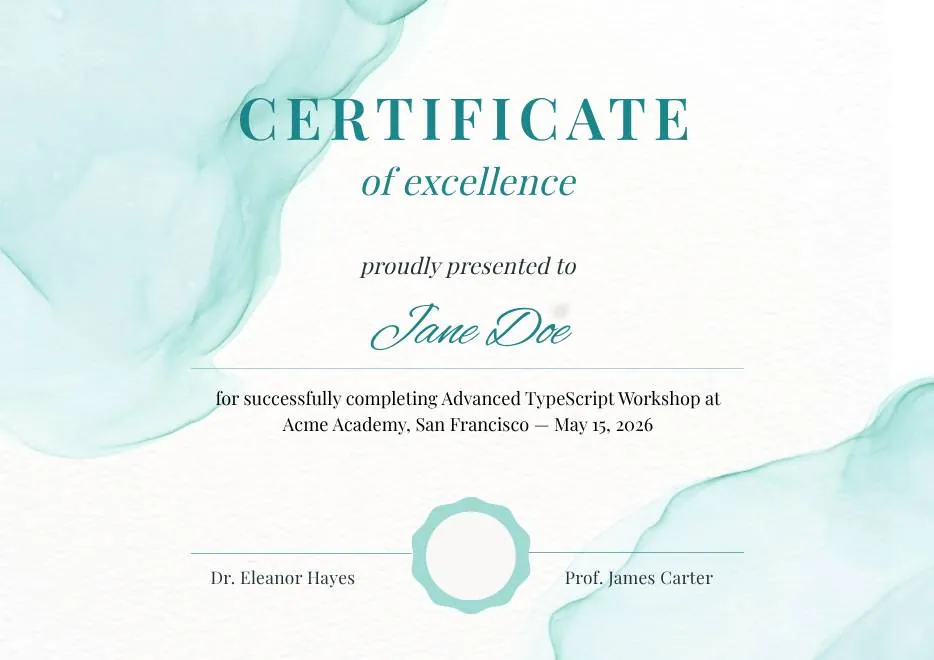
Teal Watercolor Elegant Certificate of Excellence
A certificate of achievement in pale teal and teal.
Landscape · Portrait View templateCompletion Recognition Achievement -
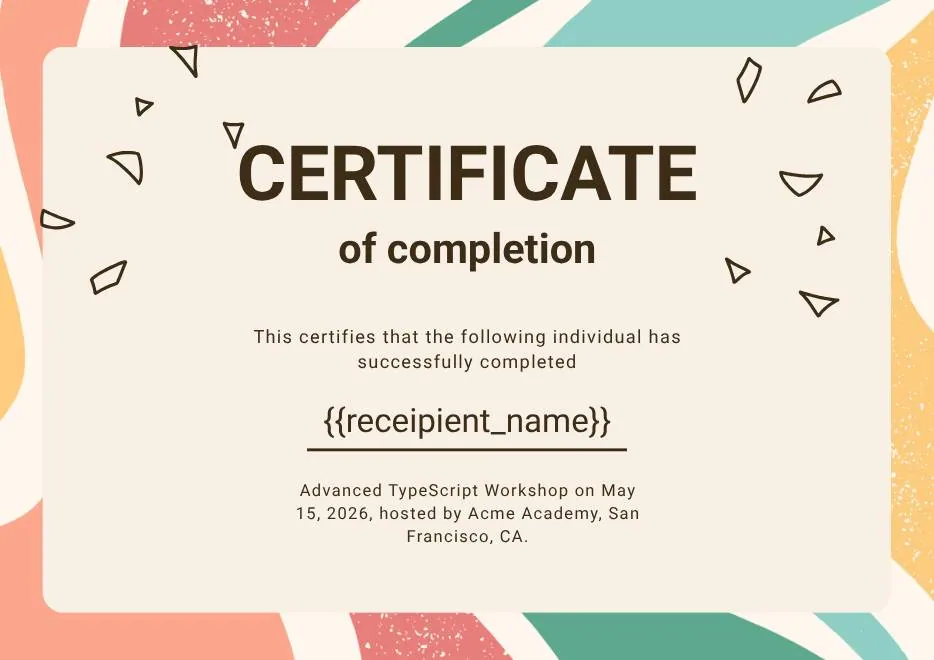
Certificate of Completion in Colorful Abstract Modern Style
A certificate of completion in pale red, teal, and pale orange.
Landscape · Portrait View templateCourse Completion Training -
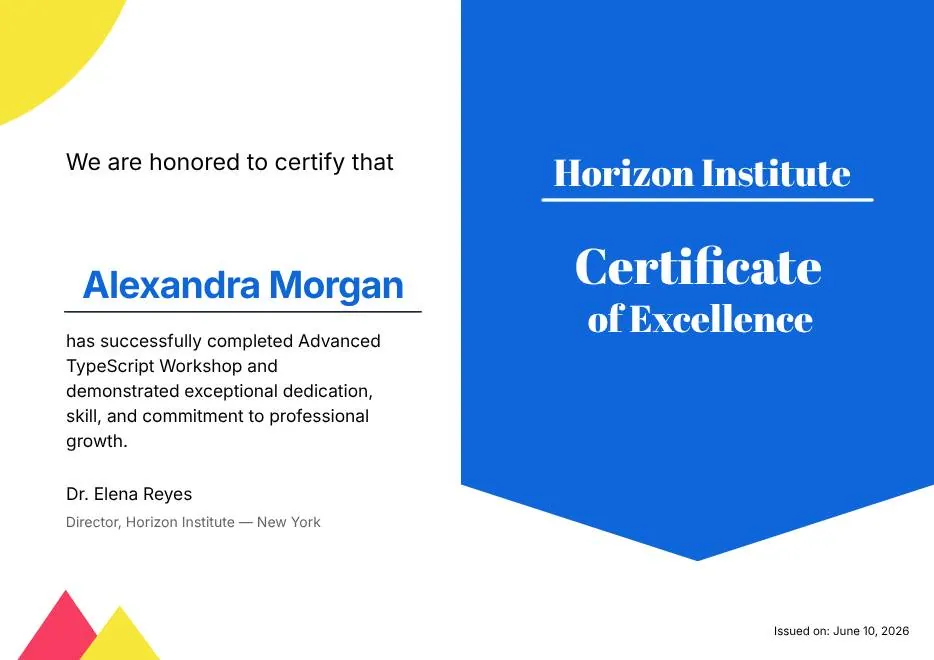
Blue and Yellow Modern Certificate of Excellence
A certificate of achievement in blue and gold.
Landscape · Portrait View templateCompletion Achievement Award
Size, format, and printing
Getting it onto paper
-
Size
A4 (210 × 297 mm), which also prints on US Letter without scaling artefacts. Most designs come in landscape and portrait.
-
Paper
Plain paper is fine day to day. For anything presented in front of people, 160–250 gsm gives the certificate enough weight to feel like an object. Matte photographs better than gloss.
-
PDF or PNG
PDF if it will be printed or filed — the text stays sharp at any size. PNG if it's going into an email, a chat app, or a social post, where a PDF attachment is friction.
Common mistakes
What goes wrong, and how to avoid it
-
Spelling the recipient's name wrong
The single most common problem, and the only one that makes a certificate worthless. Copy names from the source system, never retype them, and check accents and hyphens against the original.
-
Writing the date ambiguously
03/04/2026 is March in the US and April almost everywhere else. Spell the month out: 3 April 2026.
-
Leaving the signature line blank
An unsigned certificate reads as a draft. If you have no signature image, set the line as a printed name and title — that's still better than empty space.
-
Claiming more than you can back up
'Certified' and 'accredited' mean something specific. If no accrediting body is involved, 'certificate of completion' is the accurate and safer phrase.
Frequently asked questions
About the free certificate maker
Is this certificate maker really free?
Do I need to create an account?
Can I use these certificates commercially?
Can I add my own logo?
What file do I get?
Can I make 200 of them at once?
Other makers
Making a different kind of certificate?
-
Award certificate maker
For the employee of the quarter, the science fair winner, the volunteer who never missed a Saturday. Pick a design, write the citation, print it.
-
Training certificate generator
For safety inductions, compliance refreshers, and internal courses — a certificate that records what was covered, for how long, and when.
-
Participation certificate generator
For workshops, webinars, sports days, and school events — recognising that someone turned up and took part, without overstating it.
-
Employee of the month certificate maker
A monthly award only works if it feels considered. Pick a design, write two specific sentences, and have it printed before the team meeting.
Need more than one at a time?
Bulk issue from a spreadsheet, add a verification URL and QR code to every certificate, and email them out automatically. That's what CertSeal does.